How AI Coding Is Reshaping UX Design — And Whether the Future Is Still Bright
When AI can generate code from designs in seconds, what happens to UX designers? After 15 years in the field, I believe the future isn't dark — but it demands adaptation.
If AI Can Code, Do We Still Need Designers?
This question gets louder every day.
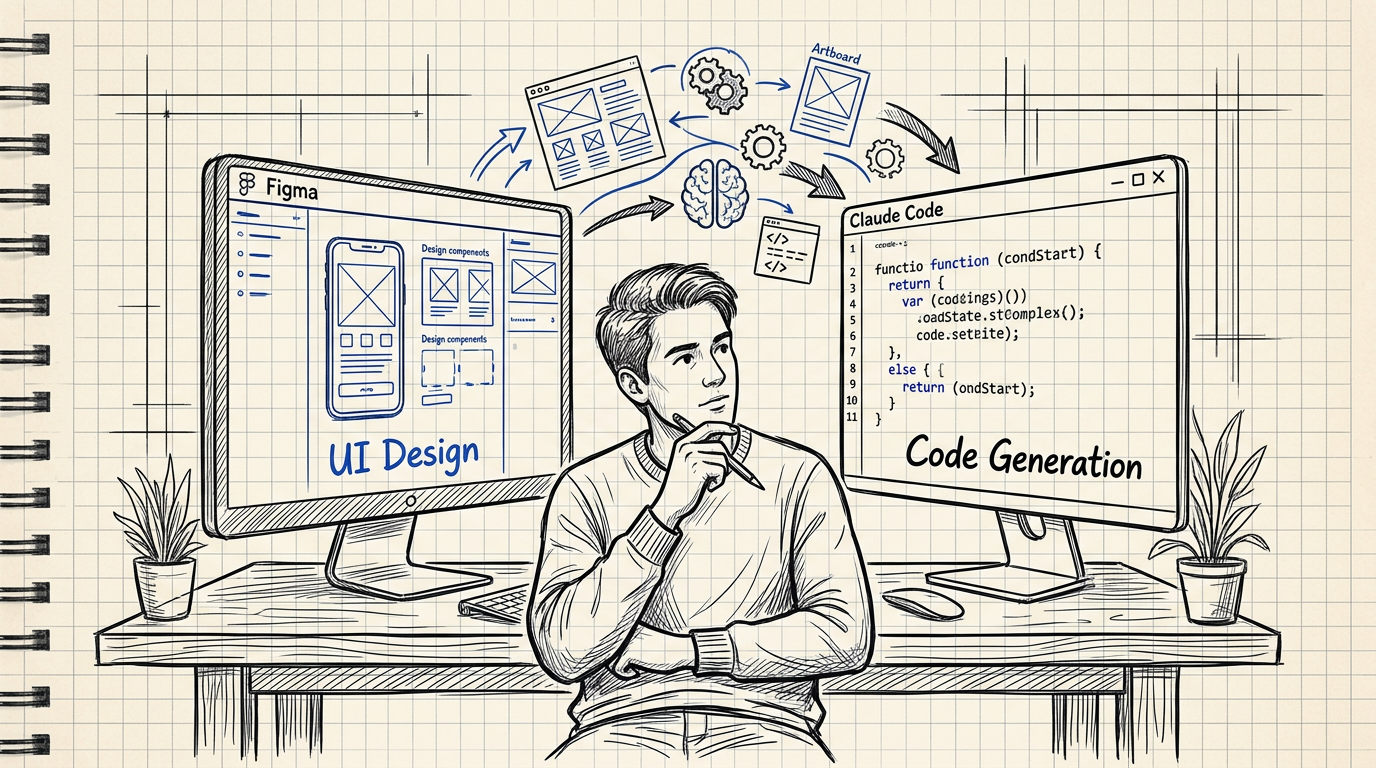
Claude Code builds React components from Figma designs in 30 seconds. Cursor writes responsive layouts from a single prompt. v0 by Vercel generates entire pages from short descriptions.
If your primary value as a UX Designer is "make wireframes and hand them to dev" — yes, you should be worried.
But if you understand that UX Design was never just "making pictures" — your future has never looked brighter.
What AI Coding Has Already Changed
Design-to-Code Is No Longer a Bottleneck
The handoff between designer and developer used to be the biggest pain point — designer makes a mockup, developer inspects pixel by pixel, copies CSS property by property, then QA finds mismatches. An endless loop.
Now, AI tools like Figma MCP + Claude Code can:
- Read design context directly from Figma
- Generate code matching the project's stack
- Reuse existing components from the design system
- Create responsive layouts automatically
Handoff time reduced by 60–70%. That's a fact.
Prototyping Is 10x Faster
Previously, testing an idea meant building a Figma prototype — which was just click-through at best. Now I can:
- Describe the concept to AI
- AI creates a working, interactive prototype
- Test with users immediately
- Iterate from feedback in 30 minutes, not 3 days
"Making UI" Is No Longer a Competitive Advantage
When everyone can generate good-looking UI with AI, the ability to "make pretty interfaces" stops being what makes you special.
It's like how Canva let everyone do graphic design — yet truly skilled graphic designers are busier than ever. Because the real skill was never "using the tool." It was thinking.
What AI Still Can't Replace About UX Designers
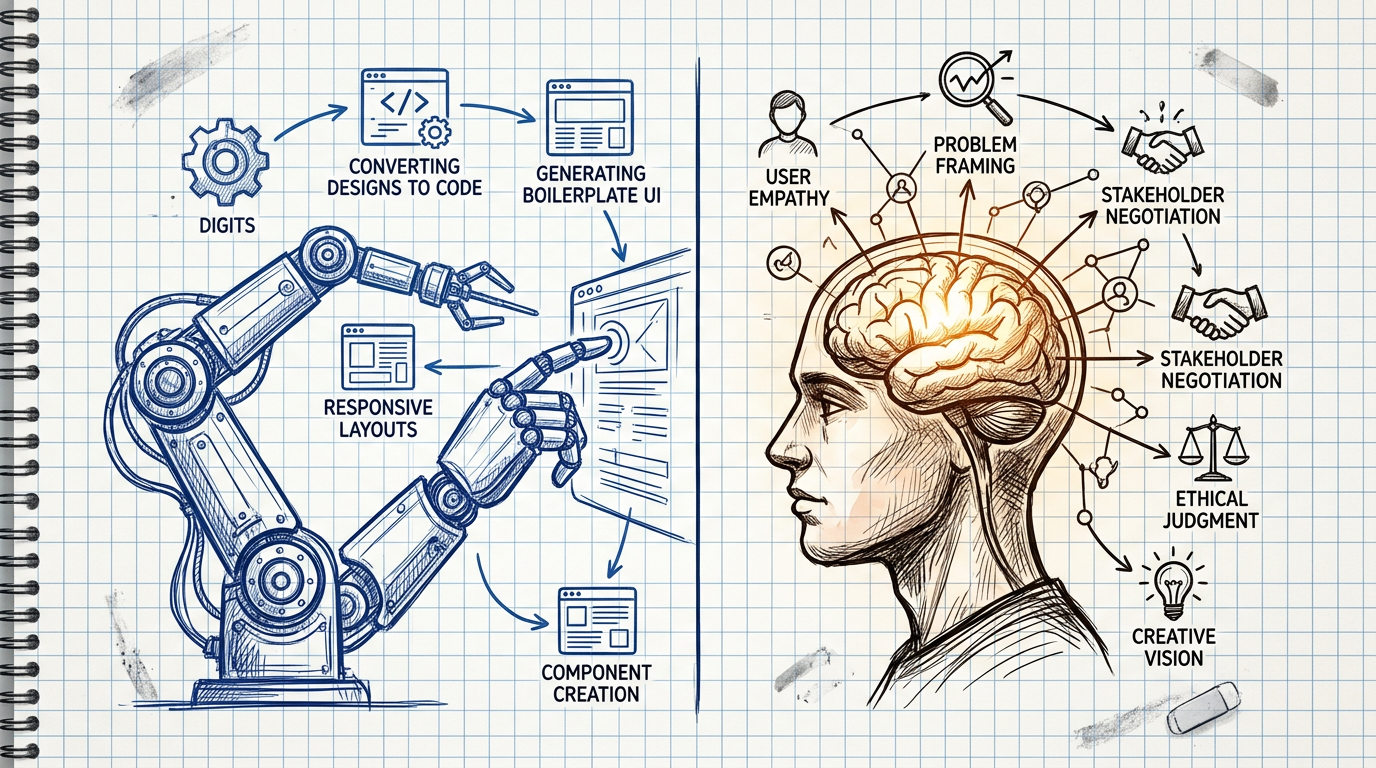
This is the core of this article — I believe 80% of the UX work that actually matters is something AI still can't do.
1. Problem Framing — Knowing What Problem to Solve
AI can write code, but AI doesn't know what the real problem is.
I once worked on a project where the client said "make the dashboard prettier." But when we did research, we found the real problem was that users didn't understand what the numbers on the dashboard meant — it wasn't about aesthetics at all.
AI will happily make your dashboard prettier. But it will never tell you, "Hey, the real problem isn't visual."
2. User Empathy — Understanding People Unlike Ourselves
I once watched a 60-year-old farmer try to use an insurance app. He couldn't tap the "Next" button because it was too small for fingers that had worked hard his entire life.
No AI can feel that. No AI can see the frustration on someone's face when they struggle with technology and understand, deep down, that "we need to redesign this."
3. Stakeholder Navigation — Office Politics
Half of good UX work is convincing the people in the room.
- The VP wants this feature because a competitor has it
- The PM wants to cut scope because the deadline is near
- Dev says "can't be done" when they mean "don't want to do it"
- The CEO saw Apple's app and wants something just like that
AI can't read a room, negotiate trade-offs, or build trust with stakeholders.
4. Ethical Judgment — Knowing What Not to Do
AI can design dark patterns that manipulate users brilliantly — because it optimizes for whatever metric you tell it to.
But knowing what you shouldn't do is a human skill. "We could make unsubscribing harder, but we shouldn't" — that's judgment AI doesn't have.
5. System Thinking — Seeing the Big Picture Across All Touchpoints
AI excels at component-level design — designing a button, a form, a card.
But seeing how an entire journey from awareness to retention should feel — connecting 20 touchpoints into one coherent experience — that's still human work.
The New Role of UX Designers in the AI Coding Era
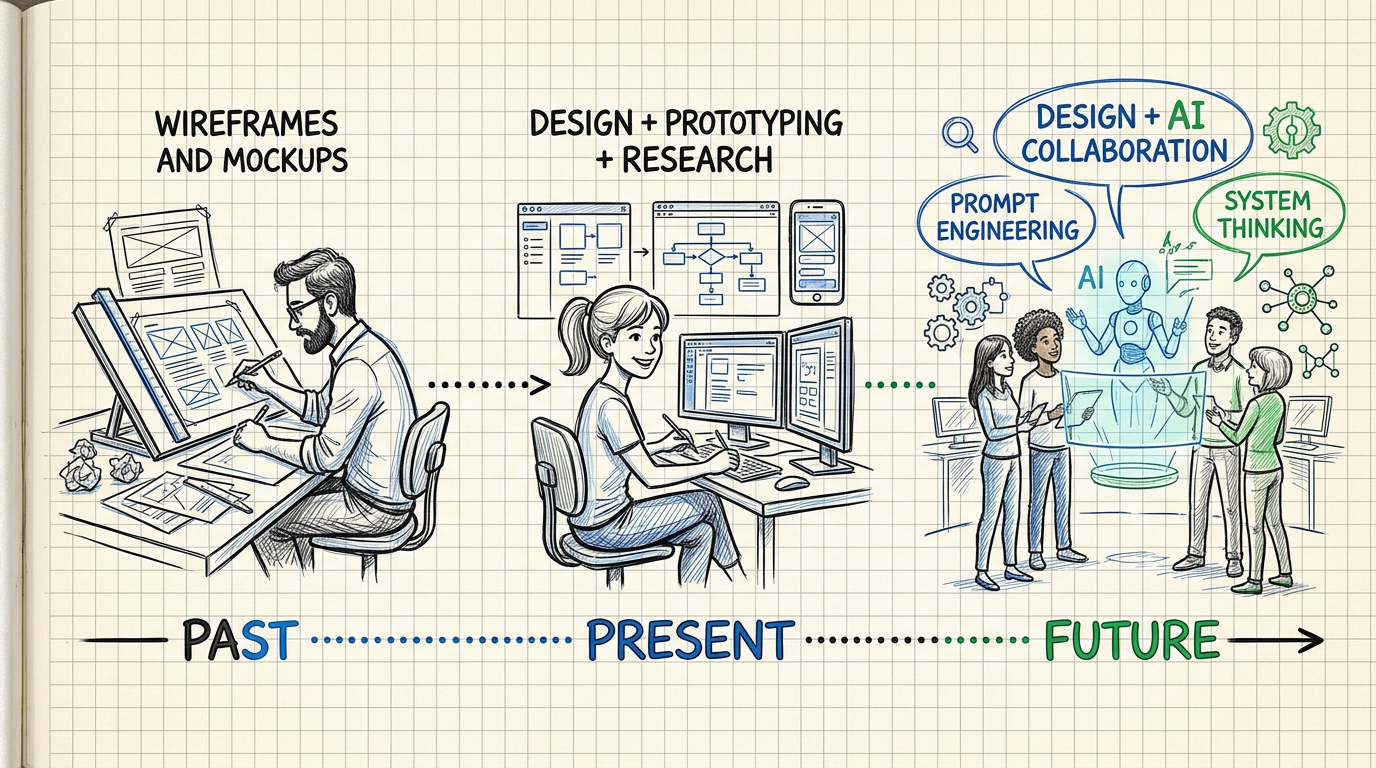
The role is changing, not disappearing.
From "Mockup Maker" → "AI Director"
Instead of pushing pixels in Figma all day, UX Designers now:
- Write clear prompts to get AI to generate UI that matches intent
- Review and curate AI output — keep what works, cut what doesn't
- Iterate faster — try 10 variations in 1 hour instead of 2 variations in 1 day
From "Send Specs to Dev" → "Build Real Prototypes Yourself"
With AI coding tools, UX Designers can:
- Create working prototypes with real interactions
- Test concepts before they enter a sprint
- Prove ideas with functional prototypes instead of static mockups
This is the biggest superpower — when you present an idea as a working prototype instead of a wireframe, your credibility skyrockets instantly.
From "Design Pixels" → "Design Systems + AI Rules"
Instead of designing every screen by hand, UX Designers will:
- Build comprehensive Design Systems
- Define rules for AI to follow when generating UI
- Maintain consistency across AI-generated touchpoints
New Superpowers for UX Designers Who Use AI
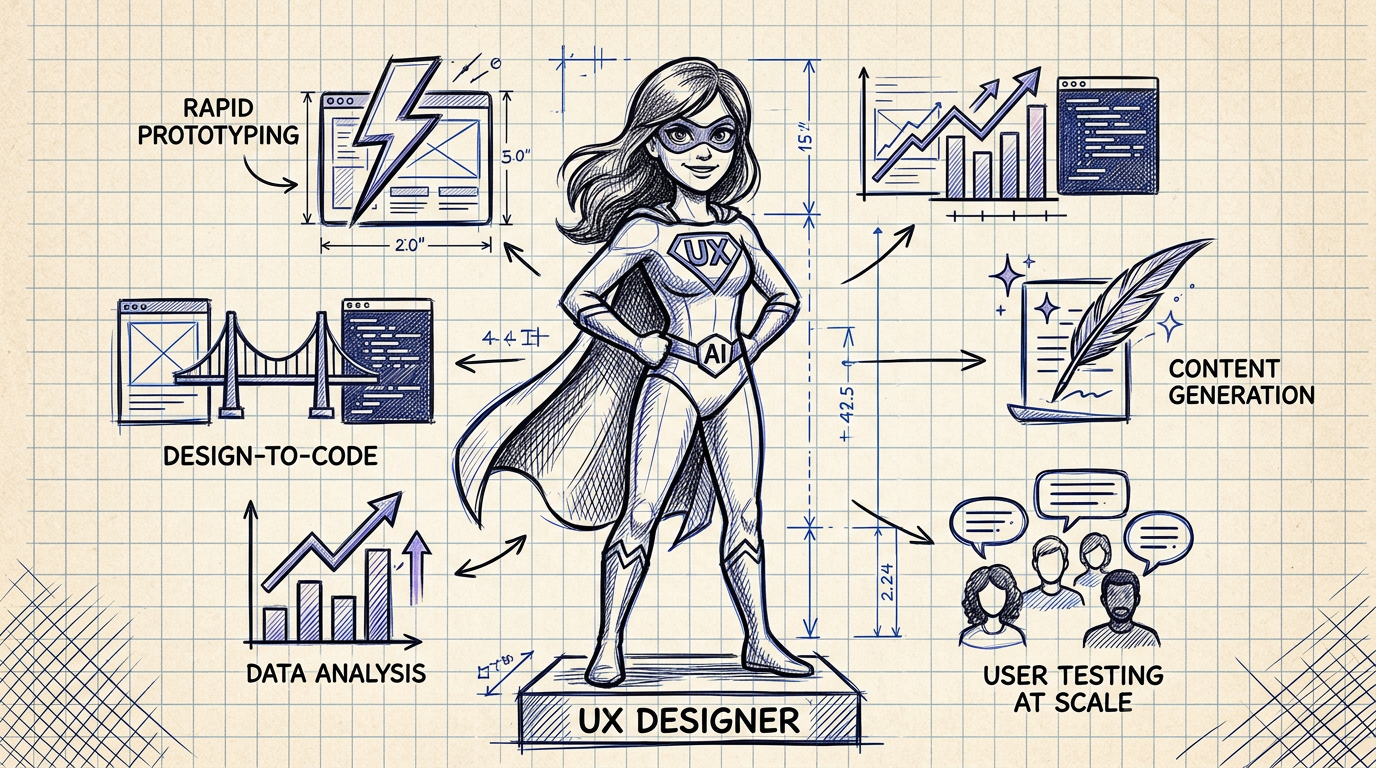
I believe UX Designers who embrace AI become exponentially more powerful:
- Research synthesis 10x faster — feed interview transcripts to AI and get structured themes in minutes, not days
- Rapid prototyping — from idea to working prototype in 1 hour
- Data analysis — ask AI "what does the user behavior data say?" instead of reading spreadsheets
- Content at scale — generate UI copy, microcopy, error messages for every edge case
- Accessibility audit — let AI check WCAG compliance automatically
- Competitive analysis — analyze 20 competitors in 1 hour instead of 1 week
So, Is the Future Still Bright?
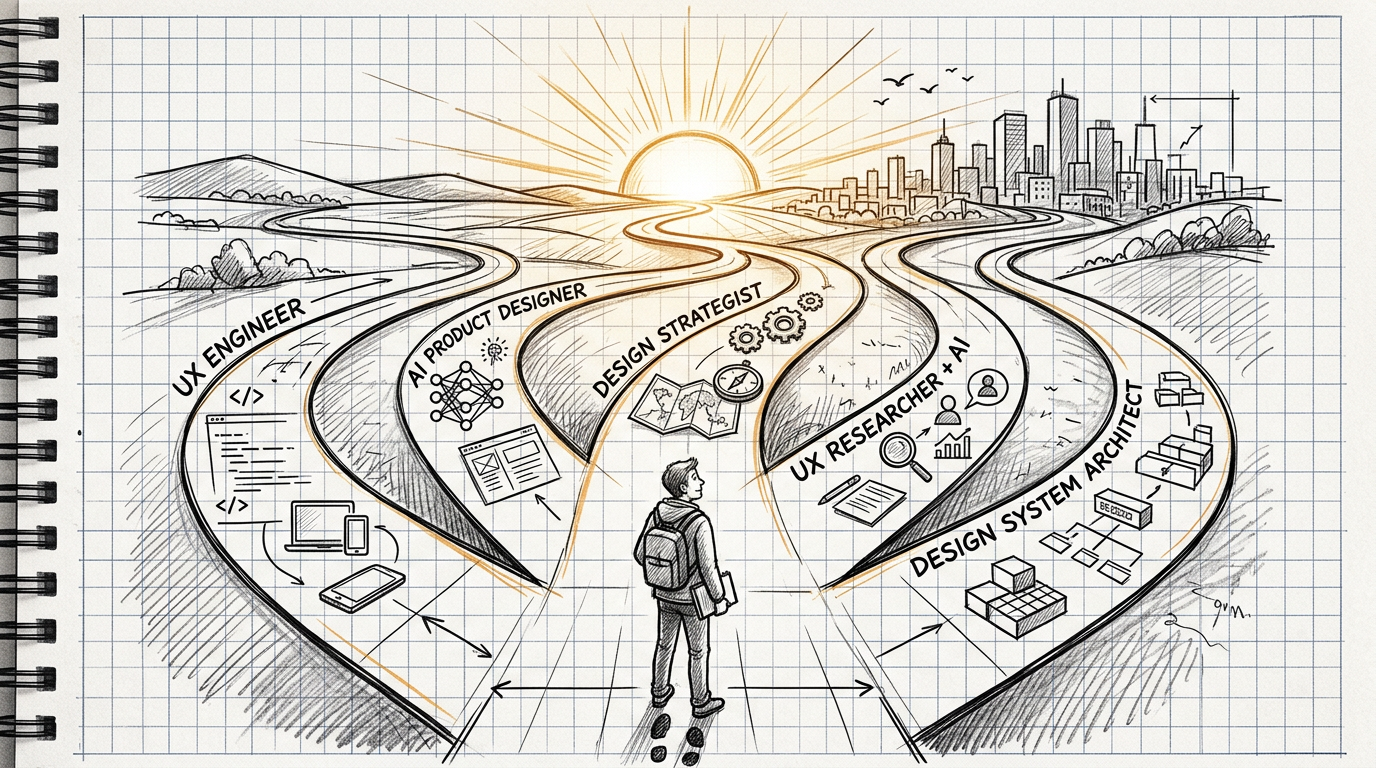
Short answer: Yes — for those who adapt.
Paths That Are Opening Up
- UX Engineer — People who can both design and code with AI tools will be in massive demand, because they eliminate the gap between teams
- AI Product Designer — People who understand how to design UX for AI products (conversation design, trust building, error handling)
- Design Strategist — People who see the big picture, set direction, and decide what to design and what not to design
- Design System Architect — People who build design systems that both humans and AI can use together
- UX Researcher + AI — People who use AI to synthesize research but still lead with human understanding
Paths That Are Shrinking
Let's be honest — some roles will decline:
- UI Designers who only do visuals — AI can do that now
- Designers who only wireframe from specs — AI does it faster
- Designers who skip research — no insight = no value that AI can't provide
What to Invest in Right Now
- Learn AI tools — you don't need to write code, but you need to know how to use AI coding tools for prototyping
- Practice problem framing — why before what. Ask "what's the real problem?" before "what should I design?"
- Build research skills — the more AI can do UI, the more you need to know what the right UI is
- Sharpen communication — the ability to present, negotiate, and convince matters more than ever
- Understand data — read analytics, set metrics, measure design impact
Final Thought: From Tools to Thinking
Every time new technology arrives, people fear it will replace them.
Photoshop didn't replace graphic designers — it made them more capable. Figma didn't replace UX Designers — it made collaboration easier. AI Coding isn't replacing UX Designers — it's making designers more powerful than ever before.
But there's a condition: you have to stop defining yourself by the tools you use.
"I'm a Figma expert" ← This is dangerous. "I'm someone who understands users and solves their problems" ← This is future-proof.
AI will change the tools we use, but it won't change why we do this work — because the purpose of a UX Designer was never about pixels.
It was always about people.
And as long as there are people, there will need to be someone who understands them.