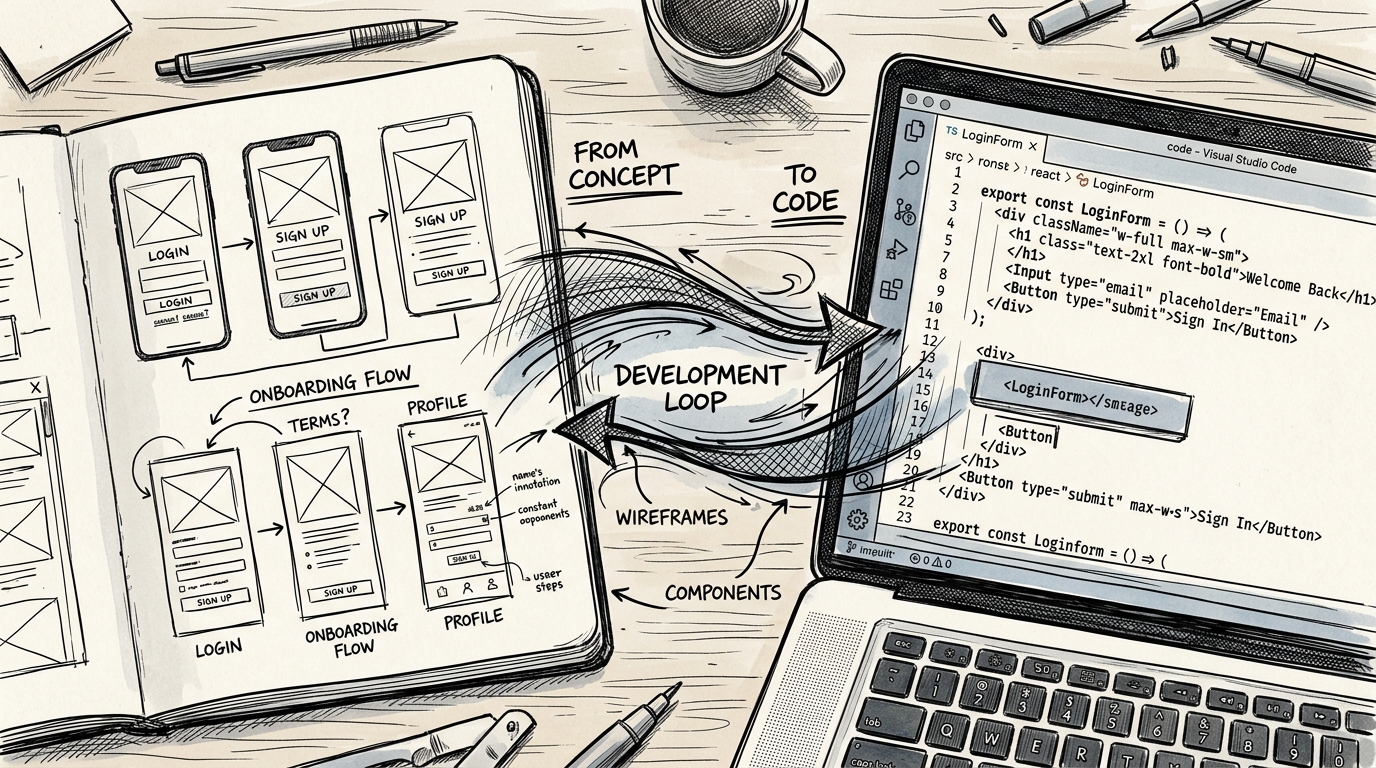
Claude AI — The Game Changer for UI/UX Design: Why Every Designer Should Learn It Now
Claude AI from Anthropic is transforming how UX designers work — from Research to Design to Code to Review. A deep dive into every feature designers need to know in 2026.
While many still debate whether AI will replace designers, a quiet group of designers has already used Claude AI to completely transform the way they work.
I'm one of them.
After using Claude daily for over six months, I can say with certainty — this isn't just a chatbot that answers questions. It's a genuine game changer for UI/UX design.
Why Claude? Not ChatGPT or Gemini?
Before diving deep, let me address the question everyone asks.
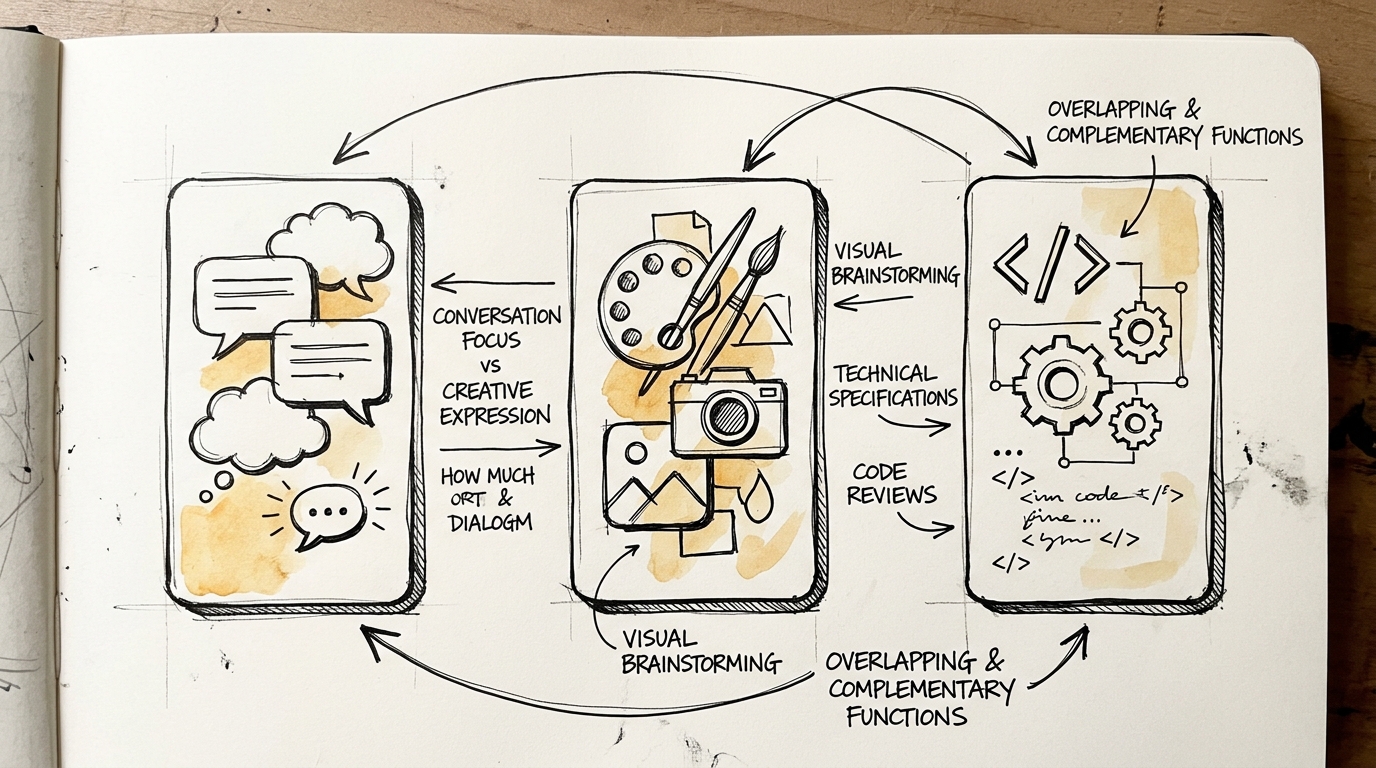
| | Claude | ChatGPT | Gemini | |---|---|---|---| | Strength | Writing + review + collaboration | Comprehensive tools, iterative | Google ecosystem integration | | Artifacts | Creates interactive UI previews | Canvas for editing | None | | Code quality | Clean, readable, design-system aware | Good but more verbose | Good but poor UI experience | | For Designers | Best — understands context and nuance | Good but needs more guidance | Good for research |
What truly sets Claude apart is that it speaks "Designer language" — you can discuss user flows, information architecture, and design tokens without translating into technical jargon first. And Artifacts rendering live UI previews is a game changer for prototyping.
7 Ways Claude AI Changes the Game for UX Designers
1. Claude Code + Figma MCP — Round-Trip Between Design and Code
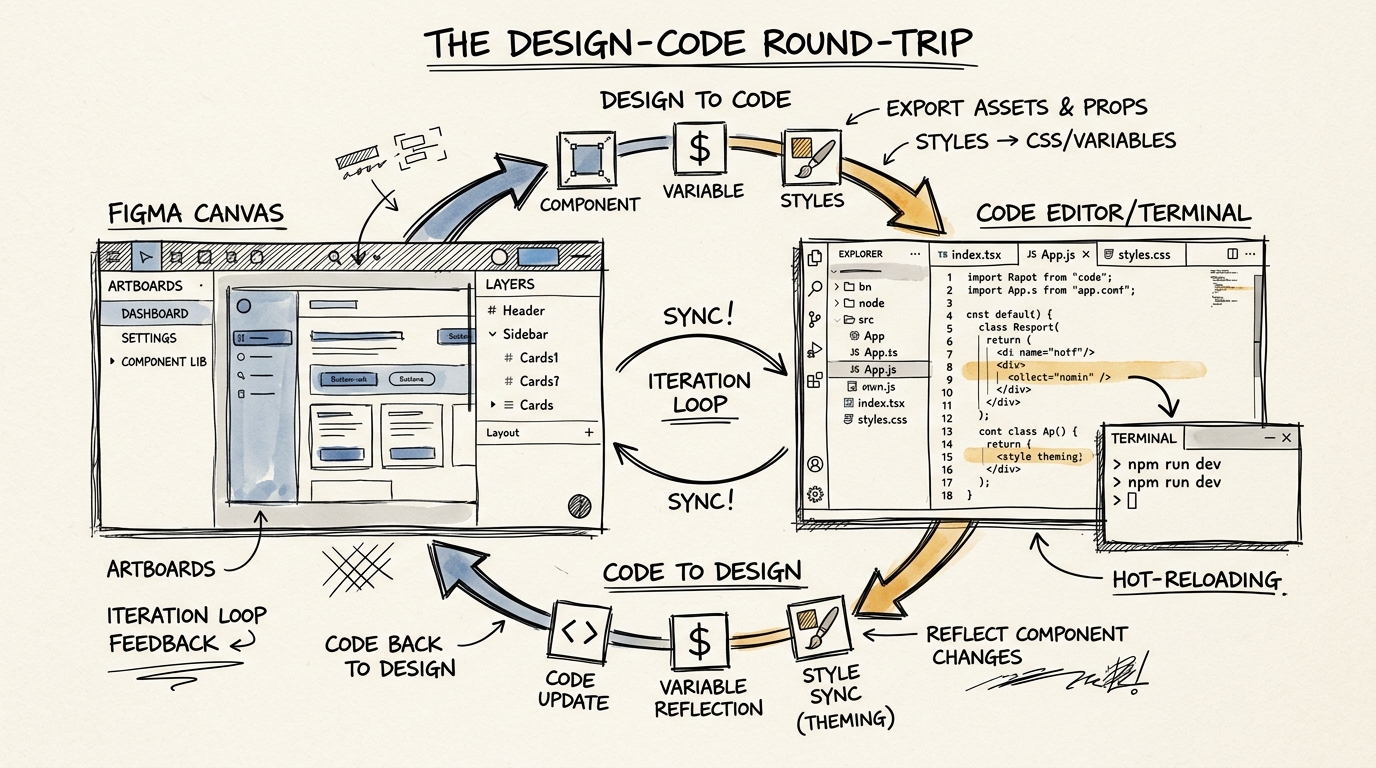
This is the feature that most dramatically narrows the gap between Designer and Developer.
Figma MCP (Model Context Protocol) lets Claude read your Figma files semantically — not just looking at images, but understanding component structure, design tokens, variables, and layout at a structural level.
How it works:
- Design → Code: Design in Figma → Claude reads your design system → generates code matching your design tokens
- Code → Design: Build with Claude Code → capture the running UI back into Figma as editable layers
- Loop: Edit in Figma → push to code → see results → iterate in Figma again
Result: What used to take 2-3 days of handoff now takes hours, and design-to-code fidelity is near 100%.
2. Artifacts — From Sketch to Interactive Prototype in Minutes
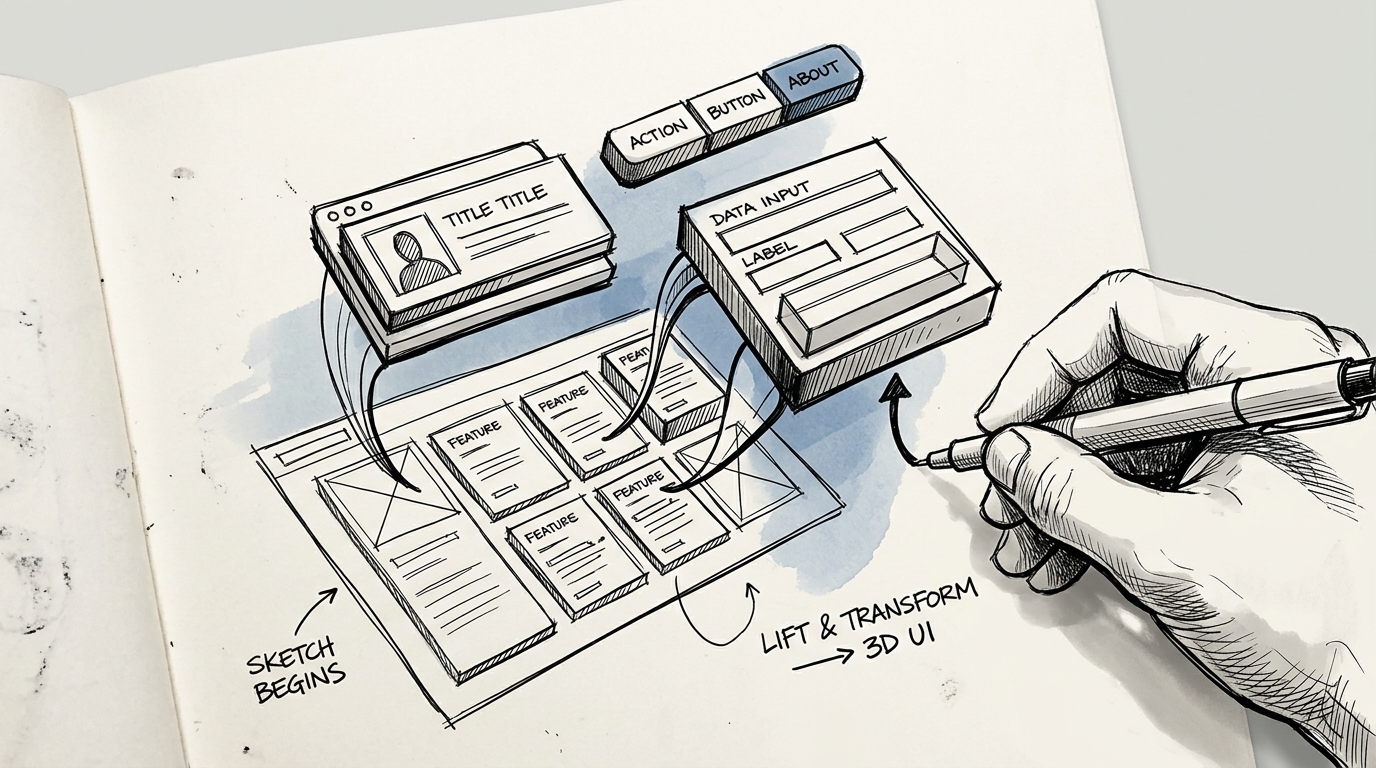
Claude Artifacts creates working React components with state management, event handling, and Tailwind CSS — rendered live for instant preview.
Real examples from my workflow:
- Draw wireframe on paper → photo → send to Claude → interactive prototype in 5 minutes
- Describe a user flow in text → Claude creates a multi-screen prototype with navigation
- Send competitor screenshot → Claude analyzes it and creates an alternative design
The difference: You don't need to know code. Just describe what you want and Claude iterates based on your feedback — "make the buttons bigger", "change to warmer colors", "add an empty state."
3. Design Review & Audit — Like Having a Senior Designer on Call
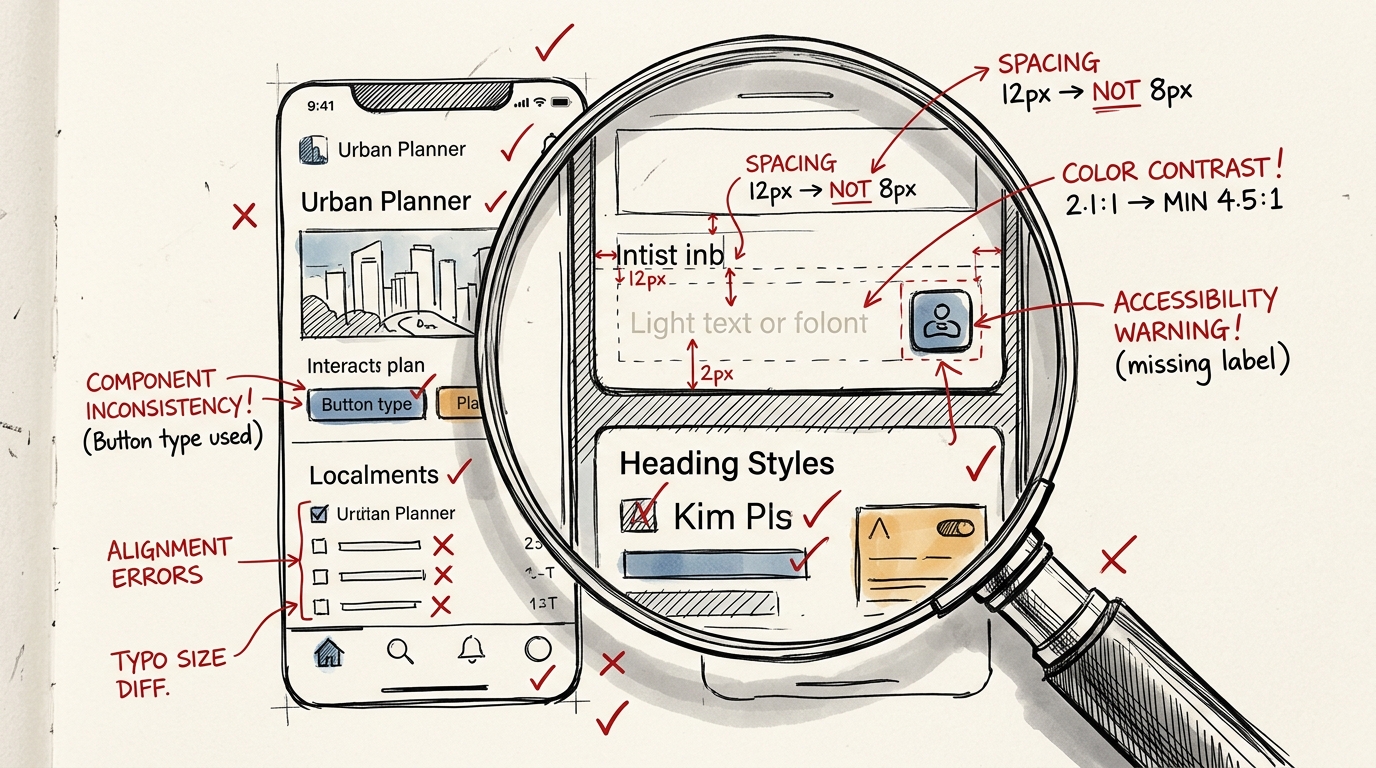
This is where Claude truly impressed me. It can:
- Check spacing consistency — catches uneven padding
- Verify color contrast — reports WCAG compliance levels
- Find accessibility issues — missing labels, undersized touch targets, incorrect focus order
- Spot component inconsistency — buttons that look different across the app
- Analyze design systems — token coverage, naming consistency, theming support
How to use it: Send a UI screenshot → Claude marks up issues with explanations and solutions. Like having a Senior Designer review your work on demand.
4. UX Writing & Microcopy — Copy That "Gets" the User
Claude writes better UX copy than other AI tools because it understands context:
- Error messages that explain the problem AND the solution, not just "Something went wrong"
- Onboarding copy that's progressive — doesn't overwhelm users upfront
- Empty states that guide users toward the next action
- Microcopy for buttons, tooltips, and placeholders that match your voice & tone
Tip: Have Claude read your brand guidelines or existing copy first, and it will write copy that's consistent with your brand voice.
5. User Research Analysis — Data to Insight at Speed
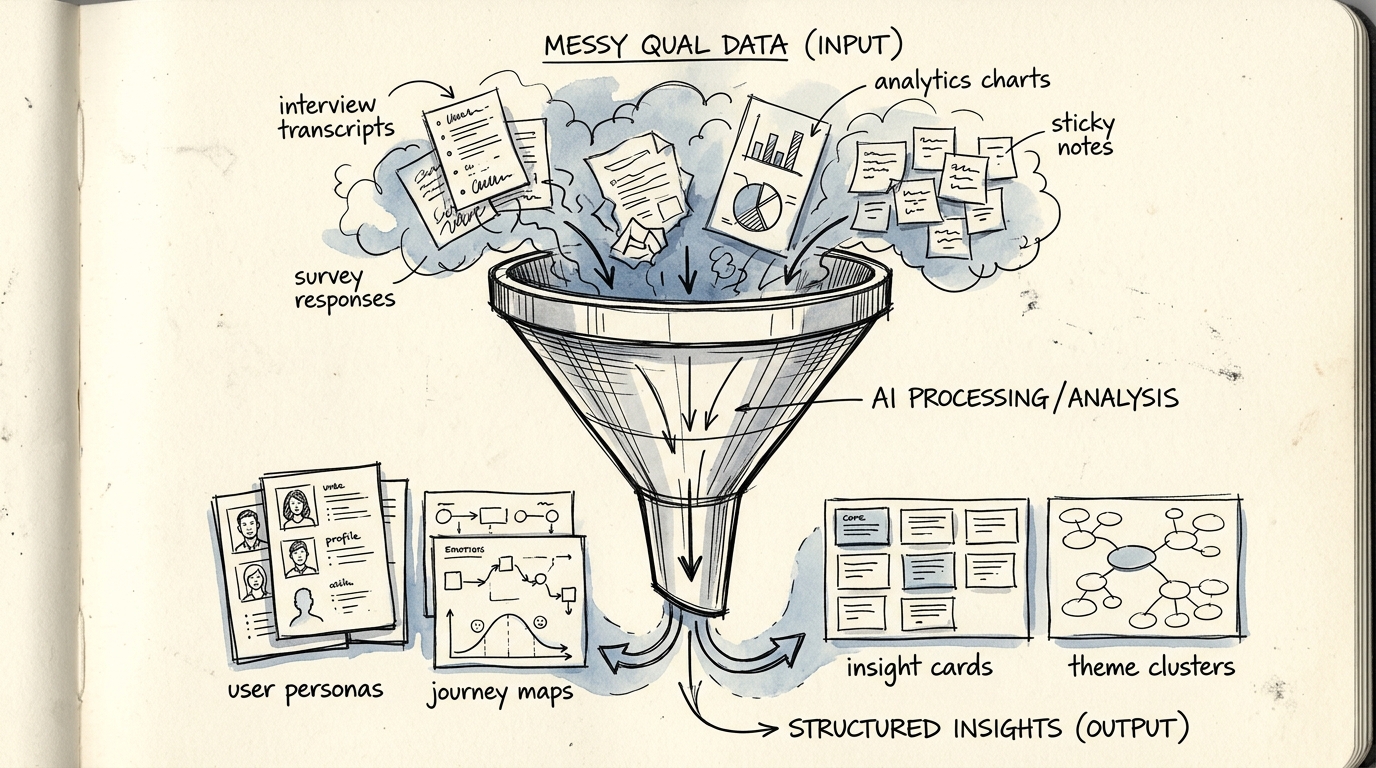
Research that used to take days now takes hours:
- Thematic coding — Send interview transcripts for Claude to analyze themes and patterns
- Survey analysis — Transform open-ended responses into insight categories
- Competitive analysis — Analyze competitor strengths and weaknesses
- Persona synthesis — Combine data from multiple sources into user personas
Caveat: Use Claude as an accelerator, not a replacement — always validate insights yourself. Don't trust AI 100%, especially around cultural nuances.
6. Design Systems — Build and Maintain Consistency
Claude helps with Design Systems across multiple dimensions:
- Create token systems — systematic color, typography, and spacing
- Write component documentation — props, usage guidelines, do/don't examples
- Detect design system violations — catches code that doesn't match the system
- Generate component variants — from a base component, create size, state, and theme variants
7. Full Workflow Integration — AI Across Every Step
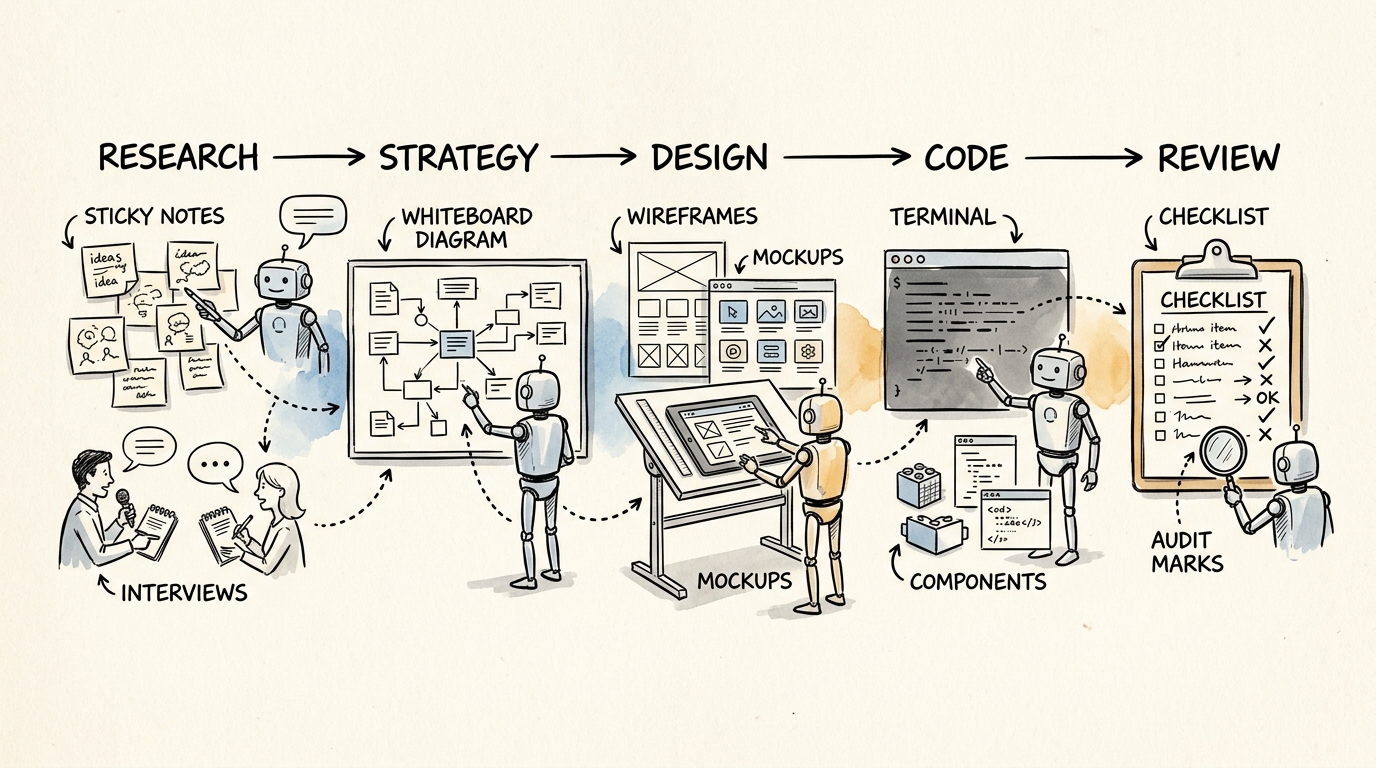
What makes Claude a true game changer is that it doesn't help with just one step — it supports the entire workflow:
| Stage | How Claude Helps | |-------|-----------------| | Research | Analyze interviews, summarize findings, create personas | | Strategy | Brainstorm solutions, evaluate trade-offs, prioritize features | | Design | Generate UI, create prototypes, suggest improvements | | Code | Implement designs matching Figma, build components | | Review | Audit accessibility, check consistency, review code quality |
Getting Started: 5 Steps for Designers
Step 1: Try Claude Artifacts
Go to claude.ai → send a screenshot of UI you want to improve → ask Claude to create an alternative design in Artifacts
Step 2: Use Claude for Design Analysis
Send your current project's UI → ask "Review this UI for accessibility and consistency" → study the feedback
Step 3: Try Claude Code
Install Claude Code → open it in a project → say "Build a landing page following this design system" → review the output
Step 4: Connect Figma MCP
Set up the Figma MCP server → let Claude read your design file → generate code matching your design tokens
Step 5: Integrate Into Your Daily Workflow
Use Claude for writing copy, reviewing designs, and analyzing research data every day → gradually find your own sweet spot
Conclusion: Claude Doesn't Replace Designers — It Makes Them Stronger
I believe that within 1-2 years, designers who use AI will be 3-5x more productive than those who don't.
Not because AI can do everything, but because AI eliminates production time, giving you more space for what truly matters — understanding users, thinking strategy, and crafting meaningful experiences.
Claude is the best tool for designers right now. Not because it's the smartest, but because it understands how designers think better than anything else.
Want to learn deep UX skills that AI can amplify? Check out my UX Knowledge Guide with 45 topics or book a free UX & AI consultation.
Free UX Consultation
Fill in a few details and I'll reach out via LINE or Email